Students
ext. 3333
717.796.1800 ext. 3333
Faculty & Staff
ext. 4444
717.796.4444
Frequently Asked Questions
General FAQ's
|
| Operating System | Windows XP, Windows Vista, Windows 7, or Mac OS X |
| Desktop Processor | Pentium 4 at 2.0 Gigahertz or faster |
| Laptop Processor | i3 or higher |
| RAM | 2 GB or higher |
| Hard Drive | 100 GB or larger |
| Optical Drive | CD Drive |
| Network | 10/100 Ethernet/Network Card |
Student Computer Services performs all work free of charge for Messiah students.
Back to Top
The first priority of Student Computer Services is to make sure all students
can access the network. We will help students free their computers
of viruses and install AVG anti-virus on computers without virus
software. As time provides and at the discretion of the Director,
Academic Technology Services we will also provide software and hardware
installation and support.
Back to Top
Student Computer Services is located in the Hoffman building. We are open from 8-5 Monday through Friday, closed for lunch from 12-1.
When bringing a DESKTOP for service only bring the tower. DO NOT bring any cords, mice, keyboards or monitors.
When bringing a LAPTOP for service bring the laptop, the power cord and any special card/adapter needed to connect the laptop to the network.
Back to Top
Student Computer Services offers FREE phone support at x3333
Click Here for a list of all help phone numbers and other ways to receive help
Back to Top
We setup the WiFi on your PC to connect to MC-WPA and make sure you can access the internet and your filespace.
We place three icons on your desktop, one for your filespace, one for email, and one for changing your password.
We will also install AVG anti-virus software. It will update automatically.
We install SafeConnect. This software monitors your PC to insure that your PC has Windows Updates turned on and your Anti-Virus program is up to date and on.
We also uninstall other anti-virus programs and turn off file sharing, unless files are password protected. File sharing is one of the easiest ways for viruses to spread on campus.
Have a Mac?
We setup the WiFi on your Mac to connect to MC-WPA and install Firefox and the Messiah Filespace app so you can access your K: and Q: drives.
Each residence hall room and each campus apartment bedroom has only 1 live network jack. The majority of network jacks are marked with a big black C. If it is not marked, the live jack is normally the one opposite the phone jack.
In the apartments, a network jack is available in each bedroom only. The jack in the living room is for the phone only.
Back to Top
Wi-Fi is available in the residences and throughout most of campus if your computer has Wi-Fi built-in then you do not need to bring anything to connect to the network.
If more than one computer needs access to the network using a wired connection, then you will need a switch. In each residence hall or campus apartment bedroom there is only
one live jack. This means that if two or more students in the same
room wish to connect to the internet with a wired connection, they
will need to have a hub (RJ45 cable not USB). Hubs are available from Student
Computer Services (Hoffman building) for a small fee ($20.00). This fee will
be partially refunded when the hub is returned to Student Computer
Services ($15.00 will be returned to the student). A network cable
is required for each PC (10-15ft is recommended) plus one to connect
the hub to the live jack in the wall.
NOTICE: DO NOT bring a router (wireless or wired) as you will be prevented from connecting through one as routers tend to interfere with our network
Back to Top
If more than one computer needs access to the network using a wired connection, then you will need a switch. If you are using a wireless connection, you will not need a network switch.
Back to Top
As of Fall 2006, wireless is now offered in the residence halls & apartments, Larson Student Union, the Library and Academic Buildings. Click here for more information about the wireless campus project.
Back to Top
Click here to setup your computer to use MC-WPA.
Back to Top
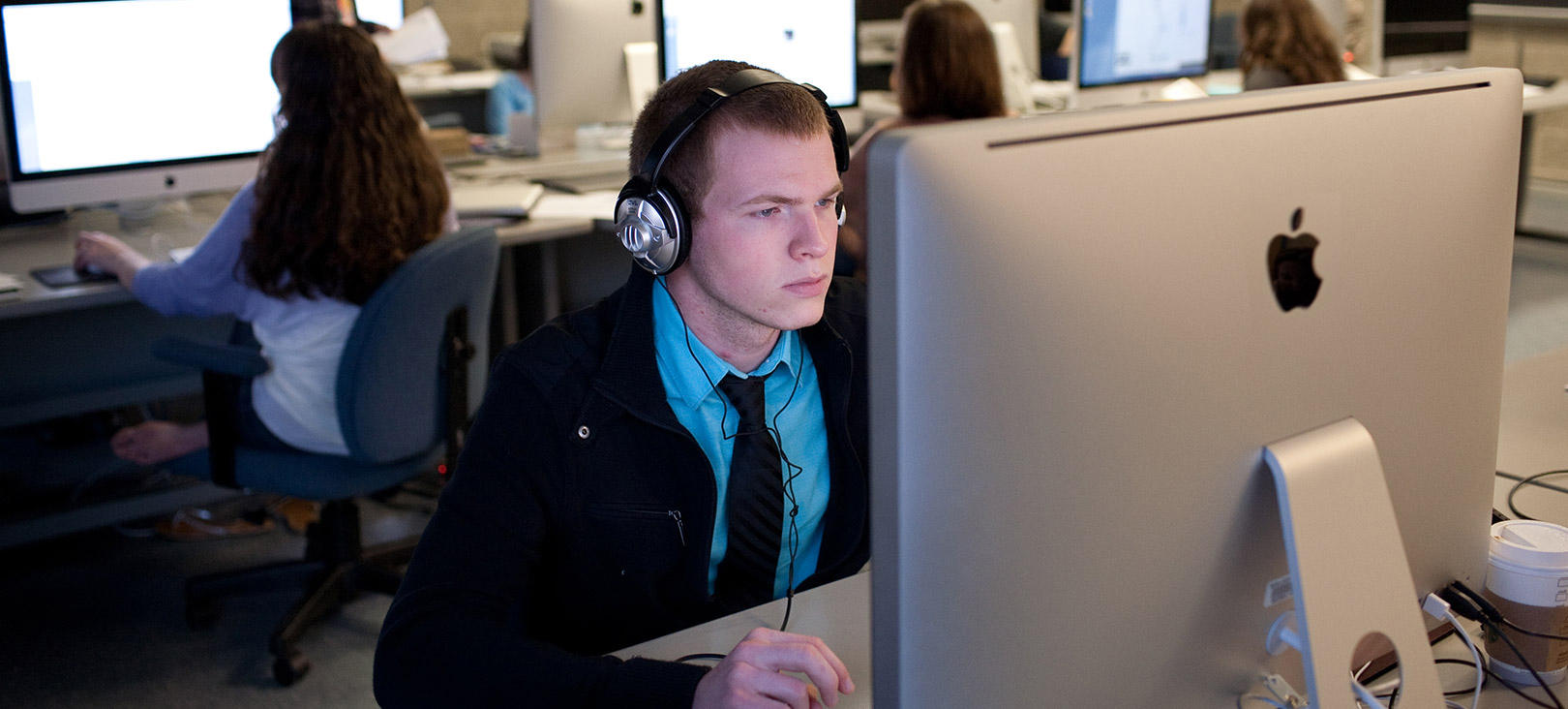
Messiah College does not require students to bring their own computer. There are 13 labs on campus with over 250 computers available to students 24 hours a day. Art and Music majors are required to have Mac laptops.
Back to Top
To use our Wireless Game Network, please follow the directions below:
Need more help? Use a How-to Video to setup your game system.
We do not support game systems at Student Computer Services. Please do not call x3333 or the Helpdesk for help setting up a game system.
Back to Top
Yes! We actually prefer it this way as it allows us to get as many done
as possible before the "rush" at the beginning of the
semester.
Computers may be shipped to following:
Messiah College
Chad Keene, Suite 3055
One College Ave
Mechanicsburg PA 17055
Computers will be configured and ready for pickup when the student
arrives on campus.
Back to Top
We are located in the Hoffman building
Our Office hours are:
Monday thru Friday, 8am - Noon and 1pm - 5pm
Our Helpdesk may be contacted at x 4444 or 717-796-4444 as follows:
7am - 11pm, Monday thru Friday
8am - 11pm, Weekends and Holidays
Or via email:
helpdesk@messiah.edu
In the event you need to leave a message, please provide your name, number, and a brief description of the issue you are experiencing. You will receive a call back as soon as possible.