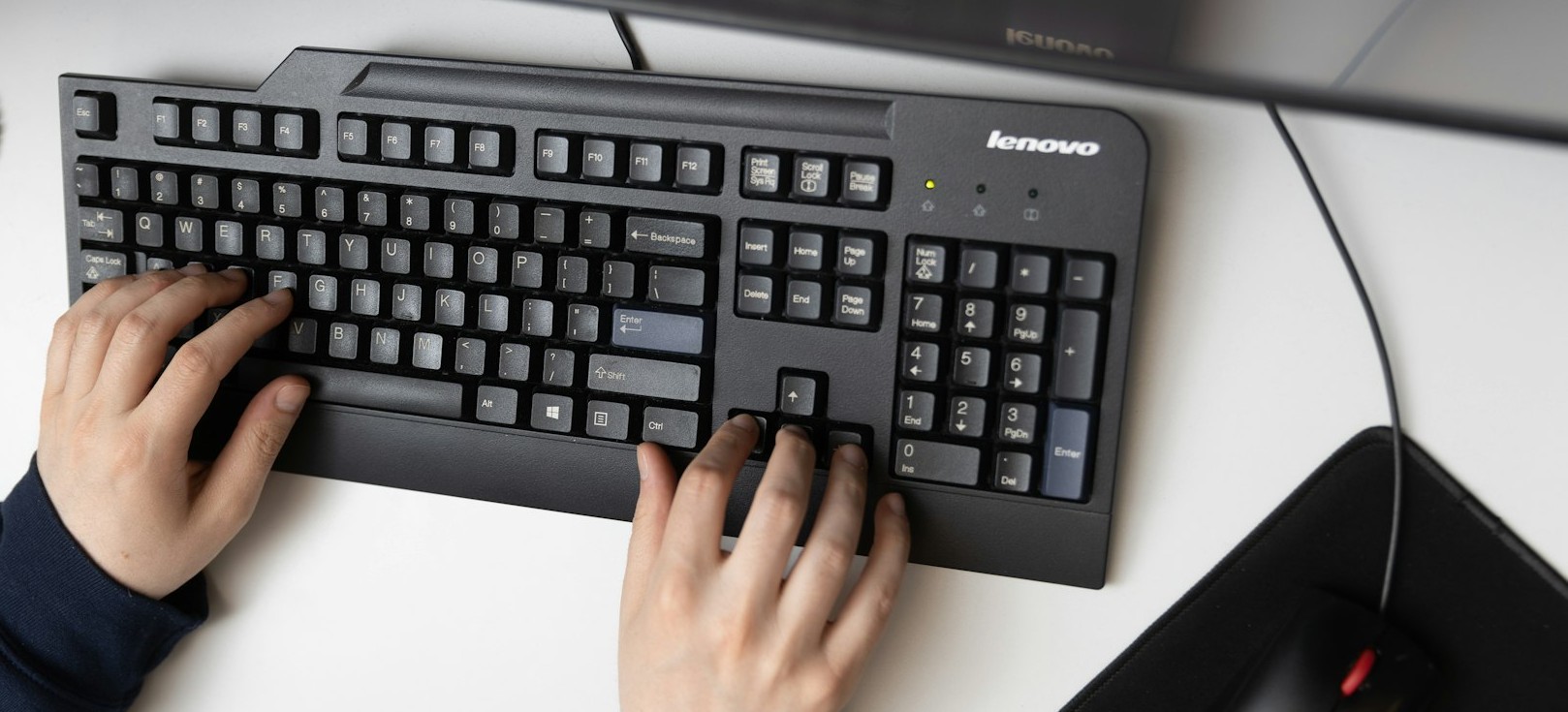
"How To" Step-By-Step Training
We have some step-by-step instructions and videos available to help you trouble shoot and resolve many of your web editing issues. Please submit a feedback form if there are other self help tools you'd like for us to provide.
How To's:
- Acrobat:
- How to create an editable PDF
- Contribute:
- *new* How to bookmark your site in Contribute *new*
How to edit a page in Contribute
Inserting and resizing an image
How to create a copy of a page
How to link to a recent page
How to link to a page on a website- Connecting to Contribute without a key
- How to install Contribute with the connection key
- Installing Contribute
- Launching Contribute
- How to insert a PDF into your Contribute page
- How to remove a Contribute draft document from your local drive
- Clear your cache:
- Sometimes clicking 'refresh' just doesn't do it. You may need to clear your 'cache'
- Facebook tutorials:
- Add a "Like" button to your webpage
- Image resizing / modification:
- Using (free) Pixlr to edit your web images
- Using Gimp Image Software to edit your web images
- Search Engine Optimization:
- Planning for your website's Search Engine Optimization
- Adding Search Engine Optimization in Contribute
- Website tips and tricks
- Using the image archive
Resources:
- All things Contribute: The Adobe Contribute blog
- Adobe Contribute forum
- YouTube Contribute tutorials **Please make sure you follow the tutorials for CS3.