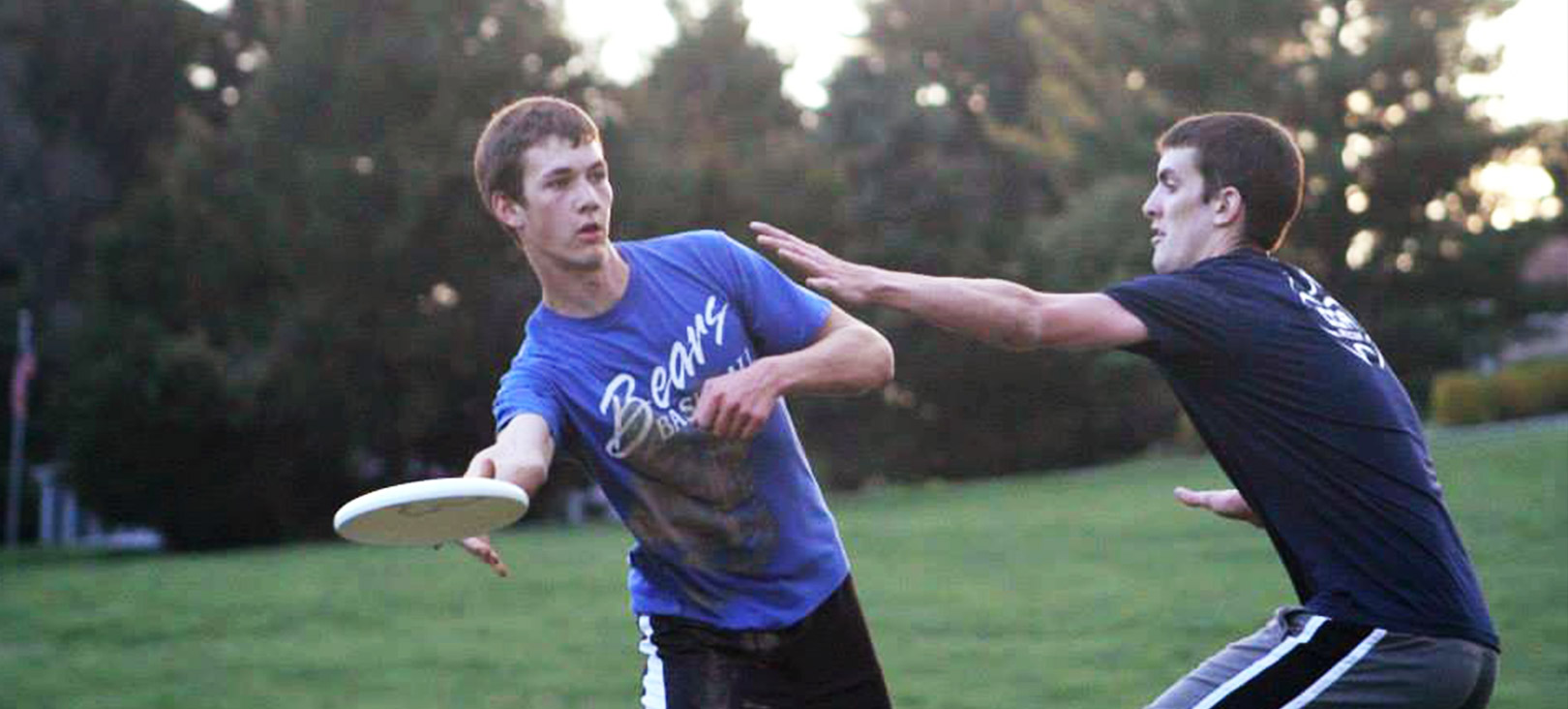
All current Messiah University undergraduate and graduate students (full and part time) and MU employees can participate in any Intramural Sports activities.
Messiah Alumni are not allowed to participate. Spouses and children of employees, alumni, and students are not eligible to play unless they fall into one of the above-mentioned categories.
CLUB PLAYERS: Members of a club sport are defined as students who participated or practiced with the club during the current academic year. The number of club players per intramural team is limited depending on the sport and will be communicated by the office of Student Engagement.
INTERCOLLEGIATE ATHLETES: Current intercollegiate athletes are defined as any individual that is on the roster of an intercollegiate team. Varsity and Junior Varsity players are both considered to be intercollegiate athletes. Players who are "trying out" or working out with a team are considered to be on the team unless they are cut prior to the first contest of the traditional season. These athletes are NOT eligible to participate in their respective sport or a related sport. Even an athlete who has utilized all their NCAA eligibility is not eligible for intramural sports.
PROFESSIONAL ATHLETES: A professional athlete is defined as one who has received monetary compensation for his/her athletic service. Current professionals are NOT eligible in their respective sport or a related sport. Former professionals may be granted an exception but must obtain prior approval by the intramural sports staff.